import { Kbd, KbdGroup } from "@/components/ui/kbd"

const shortcuts = [
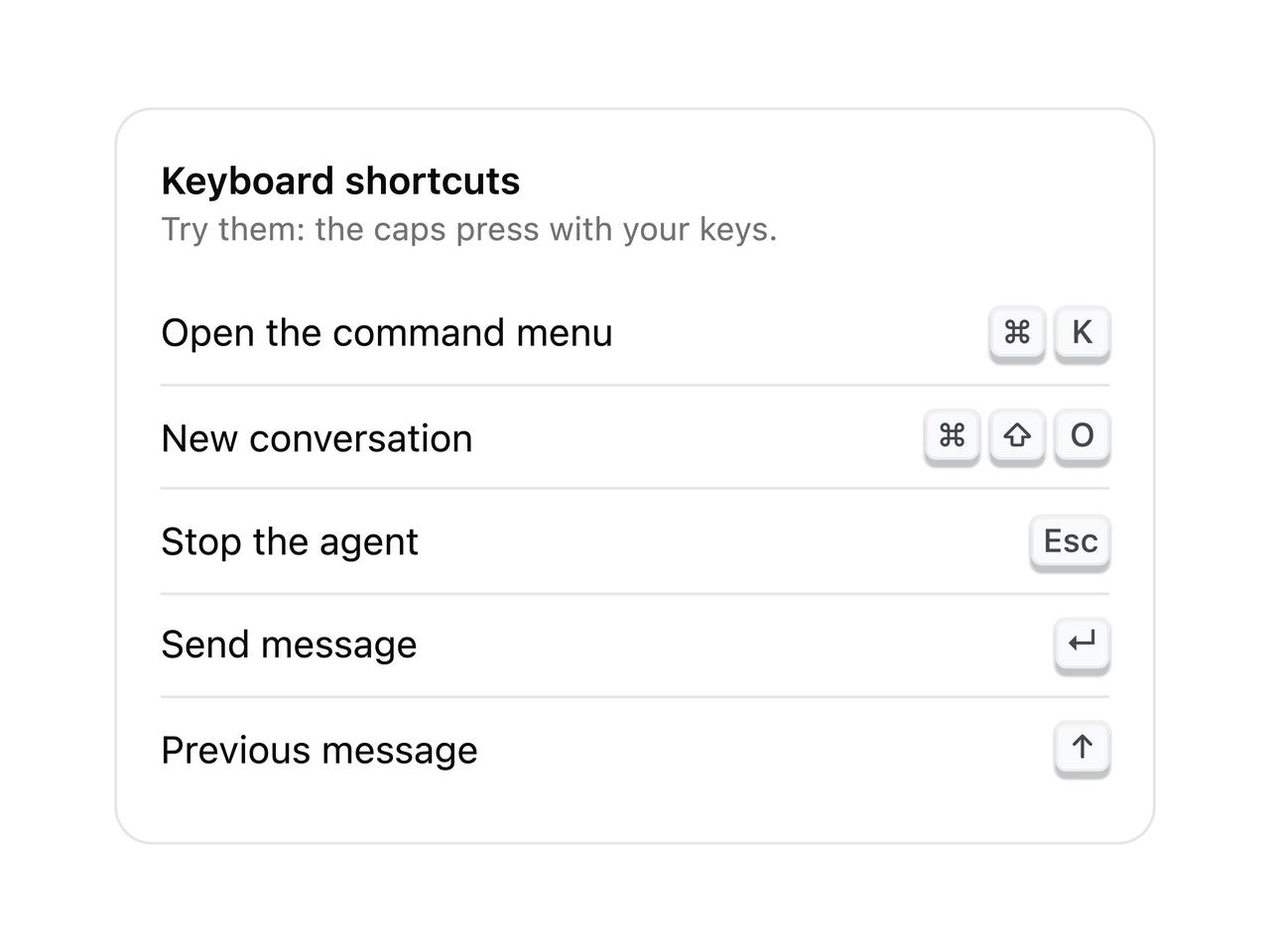
  { action: "Open the command menu", keys: ["⌘", "K"] },
  { action: "New conversation", keys: ["⌘", "⇧", "O"] },
  { action: "Stop the agent", keys: ["Esc"] },
  { action: "Send message", keys: ["↵"] },
  { action: "Previous message", keys: ["↑"] },
]

/** A shortcuts sheet. Each cap goes down when you press that key on your own keyboard. */
export function KbdShortcuts() {
  return (
    <div className="w-full max-w-sm rounded-xl border bg-card p-4">
      <p className="text-sm font-semibold">Keyboard shortcuts</p>
      <p className="text-xs text-muted-foreground">Try them: the caps press with your keys.</p>
      <dl className="mt-3 divide-y">
        {shortcuts.map(({ action, keys }) => (
          <div key={action} className="flex items-center justify-between gap-4 py-2 text-sm">
            <dt>{action}</dt>
            <dd>
              <KbdGroup>
                {keys.map((key) => (
                  <Kbd key={key} listen>
                    {key}
                  </Kbd>
                ))}
              </KbdGroup>
            </dd>
          </div>
        ))}
      </dl>
    </div>
  )
}

export default KbdShortcuts