"use client";

import NibTrail from "@/components/ui/nib-trail";
import { useState } from "react";

export default function NibTrailDemo() {
  const [angle, setAngle] = useState(38);
  const c = {
    page: "bg-[#f5f0e4] text-[#1d2b4f]",
    ink: "#1d2b4f",
    muted: "text-[#7c7462]",
    rule: "rgb(29 43 79 / 0.14)",
    guide: "rgb(178 58 46 / 0.12)",
    trace: "text-[#1d2b4f]/[0.07]",
    chip: "border-black/10 aria-checked:bg-[#1d2b4f] aria-checked:text-[#f5f0e4] aria-checked:border-transparent",
    ring: "focus-visible:outline-[#1d2b4f]",
  };

  const NIBS = [
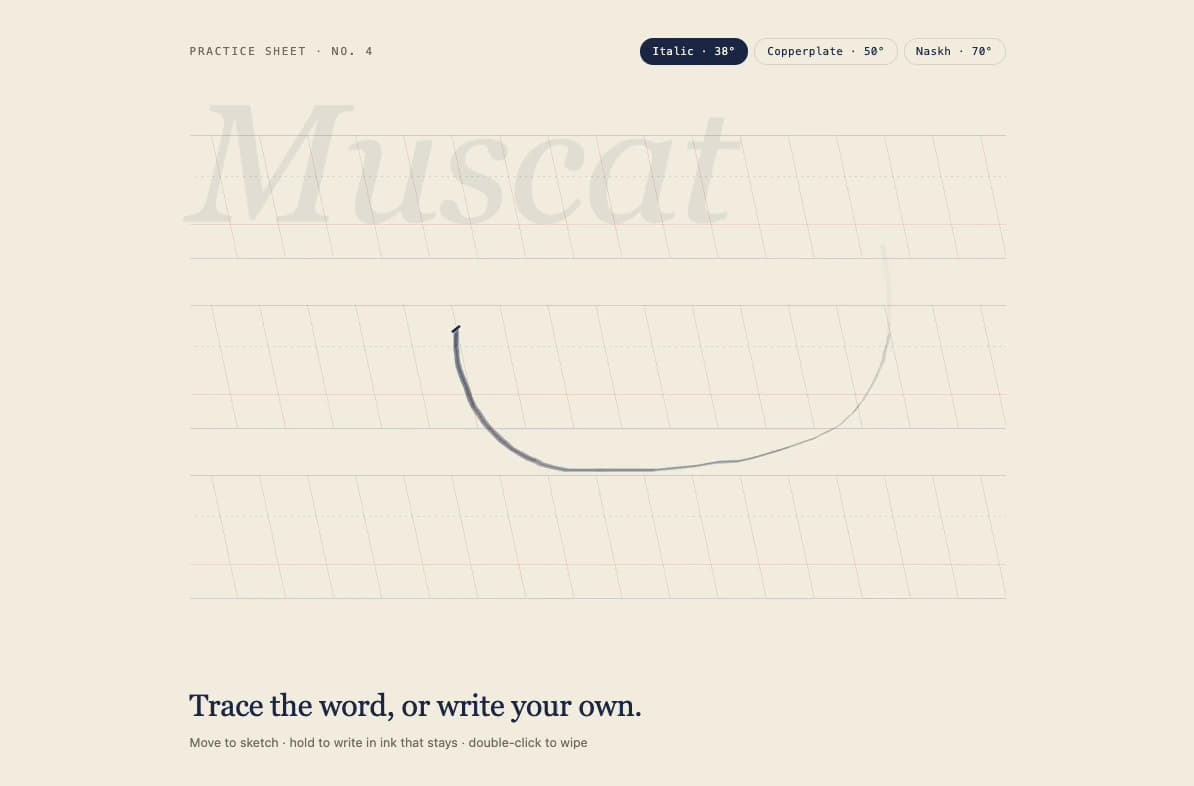
    { a: 38, label: "Italic · 38°" },
    { a: 50, label: "Copperplate · 50°" },
    { a: 70, label: "Naskh · 70°" },
  ];

  return (
    <NibTrail
      ink={c.ink}
      angle={angle}
      theme="paper"
      className={`min-h-screen w-full ${c.page}`}
      style={{ fontFamily: "Geist, ui-sans-serif, system-ui" }}
    >
      <div className="relative mx-auto flex min-h-screen w-full max-w-4xl flex-col px-5 py-10 sm:px-10">
        <div className="flex flex-wrap items-baseline justify-between gap-3">
          <p
            className={`font-mono text-[11px] uppercase tracking-[0.16em] ${c.muted}`}
          >
            Practice sheet · No. 4
          </p>
          <div
            role="radiogroup"
            aria-label="Nib angle"
            className="flex flex-wrap gap-1.5"
          >
            {NIBS.map((n) => (
              <button
                key={n.a}
                type="button"
                role="radio"
                aria-checked={angle === n.a}
                onClick={() => setAngle(n.a)}
                className={`rounded-full border px-3 py-1 font-mono text-[11px] tracking-wide transition-colors focus-visible:outline-2 focus-visible:outline-offset-2 ${c.chip} ${c.ring}`}
              >
                {n.label}
              </button>
            ))}
          </div>
        </div>

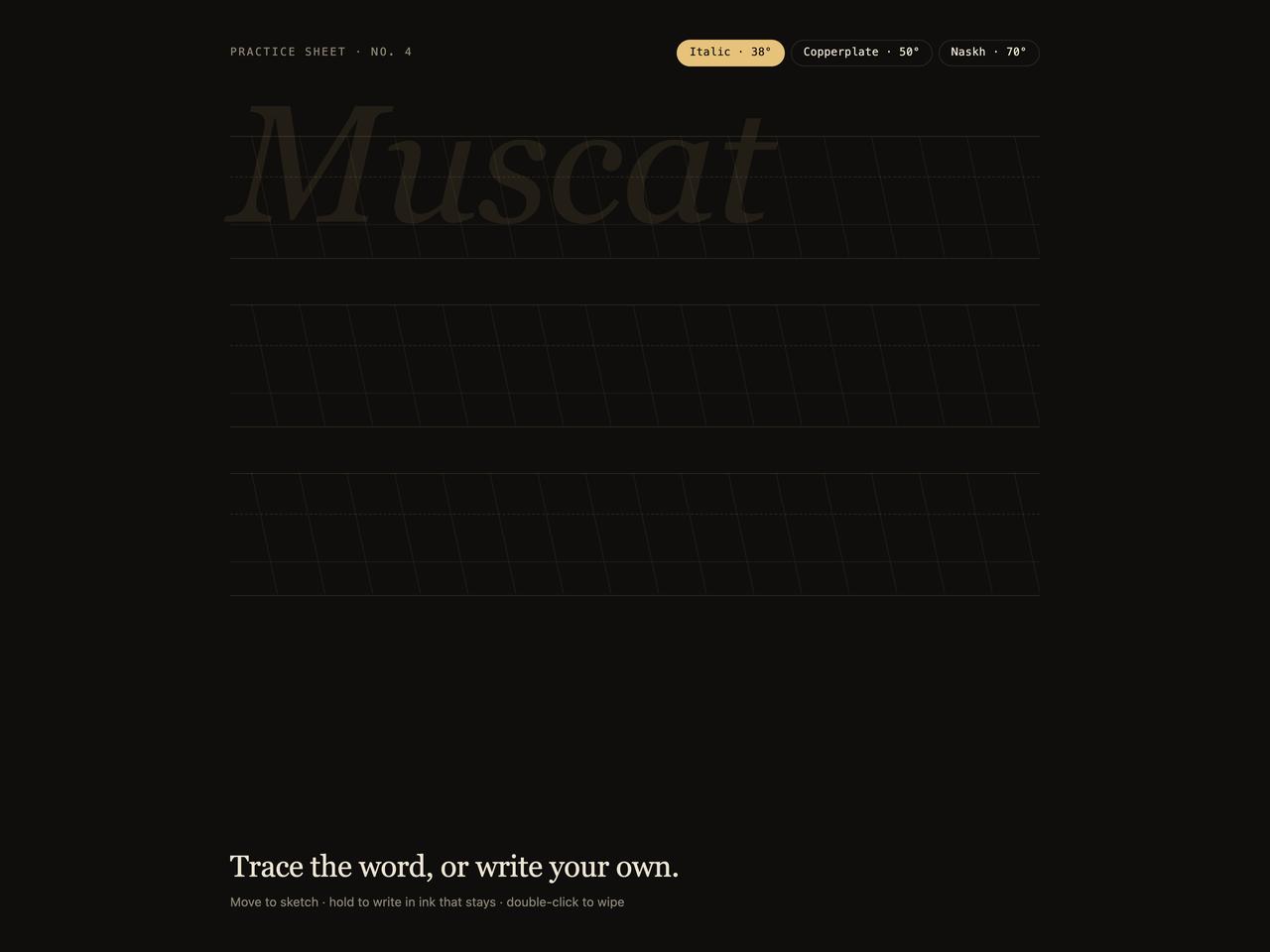
        {/* A lettering pad: ascender, x-height, baseline and descender rules, with slant guides. */}
        <div className="relative mt-10 flex-1 [--row:150px] sm:[--row:170px]">
          {[0, 1, 2].map((row) => (
            <div
              key={row}
              className="relative h-[150px] sm:h-[170px]"
              aria-hidden="true"
            >
              <div
                className="absolute inset-x-0 top-[18%] border-t"
                style={{ borderColor: c.rule }}
              />
              <div
                className="absolute inset-x-0 top-[42%] border-t border-dashed"
                style={{ borderColor: c.rule }}
              />
              <div
                className="absolute inset-x-0 top-[70%] border-t"
                style={{ borderColor: c.guide, borderTopWidth: 1.5 }}
              />
              <div
                className="absolute inset-x-0 top-[90%] border-t"
                style={{ borderColor: c.rule }}
              />
              <div
                className="absolute inset-x-0 top-[18%] h-[72%]"
                style={{
                  backgroundImage: `repeating-linear-gradient(${90 - 12}deg, transparent 0 46px, ${c.guide} 46px 47px)`,
                }}
              />
            </div>
          ))}
          <p
            className={`pointer-events-none absolute left-0 select-none text-[clamp(5.5rem,17vw,10.5rem)] italic leading-none tracking-[-0.01em] ${c.trace}`}
            style={{
              fontFamily: '"Instrument Serif", Newsreader, Georgia, serif',
              top: 0,
              transform: "translateY(calc(var(--row) * 0.7 - 0.86em))",
            }}
            aria-hidden="true"
          >
            Muscat
          </p>
        </div>

        <div className="mt-6 flex flex-wrap items-baseline justify-between gap-2">
          <h2
            className="text-[clamp(1.4rem,3vw,1.9rem)] leading-tight tracking-[-0.01em]"
            style={{
              fontFamily: '"Instrument Serif", Newsreader, Georgia, serif',
            }}
          >
            Trace the word, or write your own.
          </h2>
          <p
            className={`text-[12.5px] [@media(pointer:coarse)]:hidden ${c.muted}`}
          >
            Move to sketch · hold to write in ink that stays · double-click to
            wipe
          </p>
          <p
            className={`hidden text-[12.5px] [@media(pointer:coarse)]:block ${c.muted}`}
          >
            Writes with a mouse or a pen — fingers keep scrolling the page.
          </p>
        </div>
      </div>
    </NibTrail>
  );
}