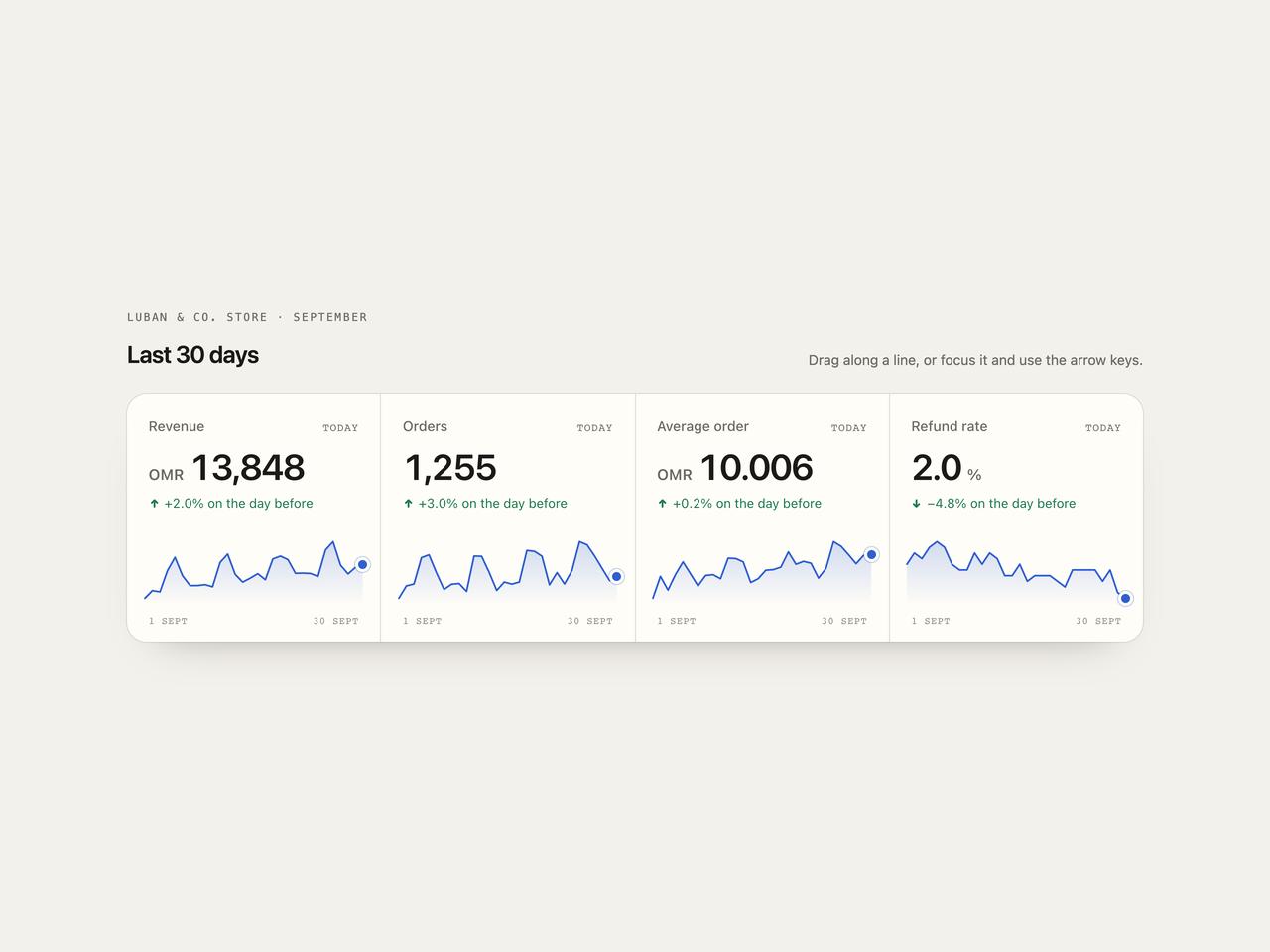
"use client";

import { ScrubSparklineStats } from "@/components/ui/scrub-sparkline-stats";

/** A repeatable month of data: a trend, a weekly rhythm (busy weekends) and some noise. */
function month(
  seed: number,
  base: number,
  trend: number,
  week: number,
  noise: number,
  decimals = 0,
) {
  let s = seed;
  const rnd = () => (s = (s * 16807) % 2147483647) / 2147483647 - 0.5;
  const f = 10 ** decimals;
  return Array.from({ length: 30 }, (_, i) => {
    const day = (i + 1) % 7; // 30 Sep 2026 is a Wednesday
    const v =
      base *
      (1 +
        trend * (i / 29) +
        week * (day === 4 || day === 5 ? 1 : day === 6 ? 0.4 : -0.2) +
        noise * rnd());
    return Math.round(v * f) / f;
  });
}

export default function Demo({ variant = "paper" }: { variant?: string }) {
  const night = variant === "night";
  return (
    <div
      className={`flex min-h-full w-full items-center justify-center px-4 py-12 ${night ? "bg-[#0b0a0d] text-[#efe8dc]" : "bg-[#f3f1ec] text-[#1b1a17]"}`}
    >
      <div className="w-full max-w-5xl">
        <div className="flex flex-wrap items-end justify-between gap-3">
          <div>
            <p
              className={`font-mono text-[11px] uppercase tracking-[0.16em] ${night ? "text-[#9c96a1]" : "text-[#6f6a62]"}`}
            >
              Luban & Co. store · September
            </p>
            <h2 className="mt-3 text-2xl font-semibold tracking-tight">
              Last 30 days
            </h2>
          </div>
          <p
            className={`text-sm ${night ? "text-[#9c96a1]" : "text-[#6f6a62]"}`}
          >
            Drag along a line, or focus it and use the arrow keys.
          </p>
        </div>
        <ScrubSparklineStats
          className="mt-6"
          theme={night ? "night" : "paper"}
          end={new Date(Date.UTC(2026, 8, 30))}
          metrics={[
            {
              label: "Revenue",
              prefix: "OMR ",
              series: month(11, 11800, 0.18, 0.16, 0.12),
            },
            { label: "Orders", series: month(29, 1180, 0.12, 0.2, 0.1) },
            {
              label: "Average order",
              prefix: "OMR ",
              decimals: 3,
              series: month(7, 9.4, 0.05, 0.03, 0.05, 3),
            },
            {
              label: "Refund rate",
              suffix: "%",
              decimals: 1,
              better: "down",
              series: month(3, 2.9, -0.22, 0.04, 0.18, 1),
            },
          ]}
        />
      </div>
    </div>
  );
}