"use client";

import WaveMesh from "@/components/ui/wave-mesh";

const THEMES: Record<
  string,
  { c: [string, string, string]; crests: boolean; light: boolean }
> = {
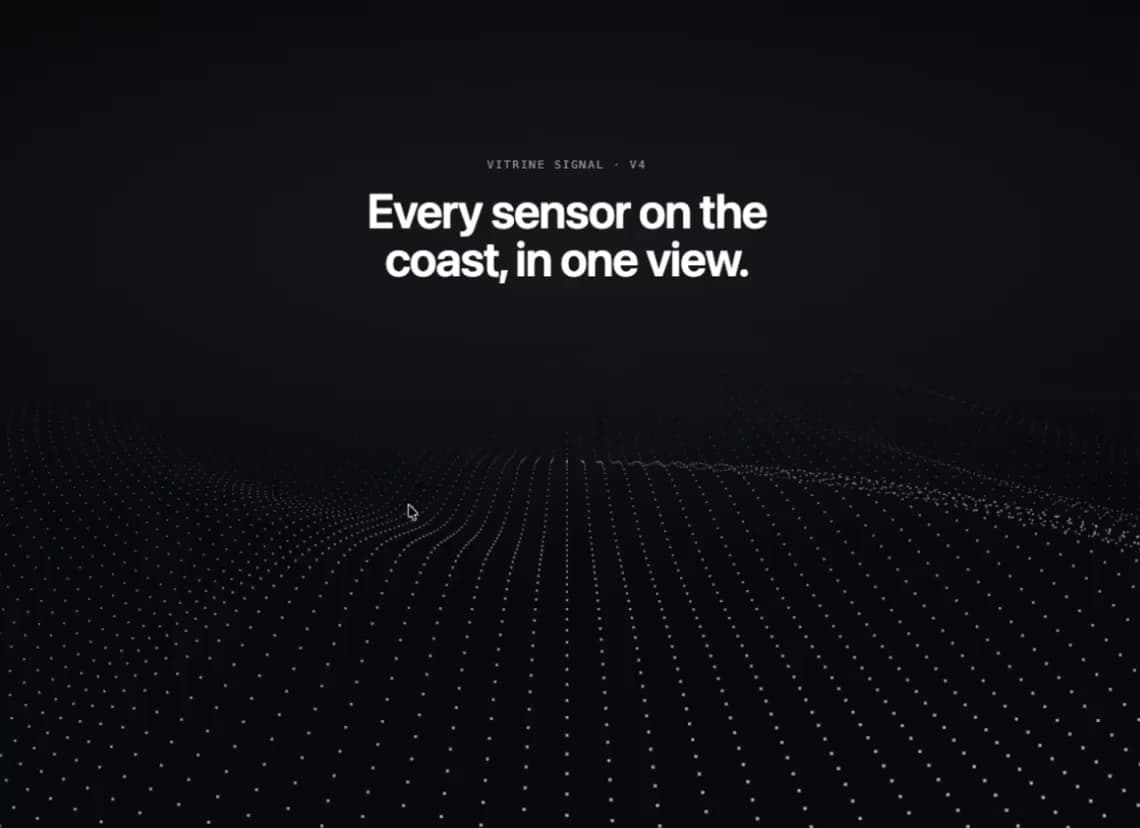
  night: { c: ["#06070a", "#c9d6ea", "#f0b37a"], crests: false, light: false },
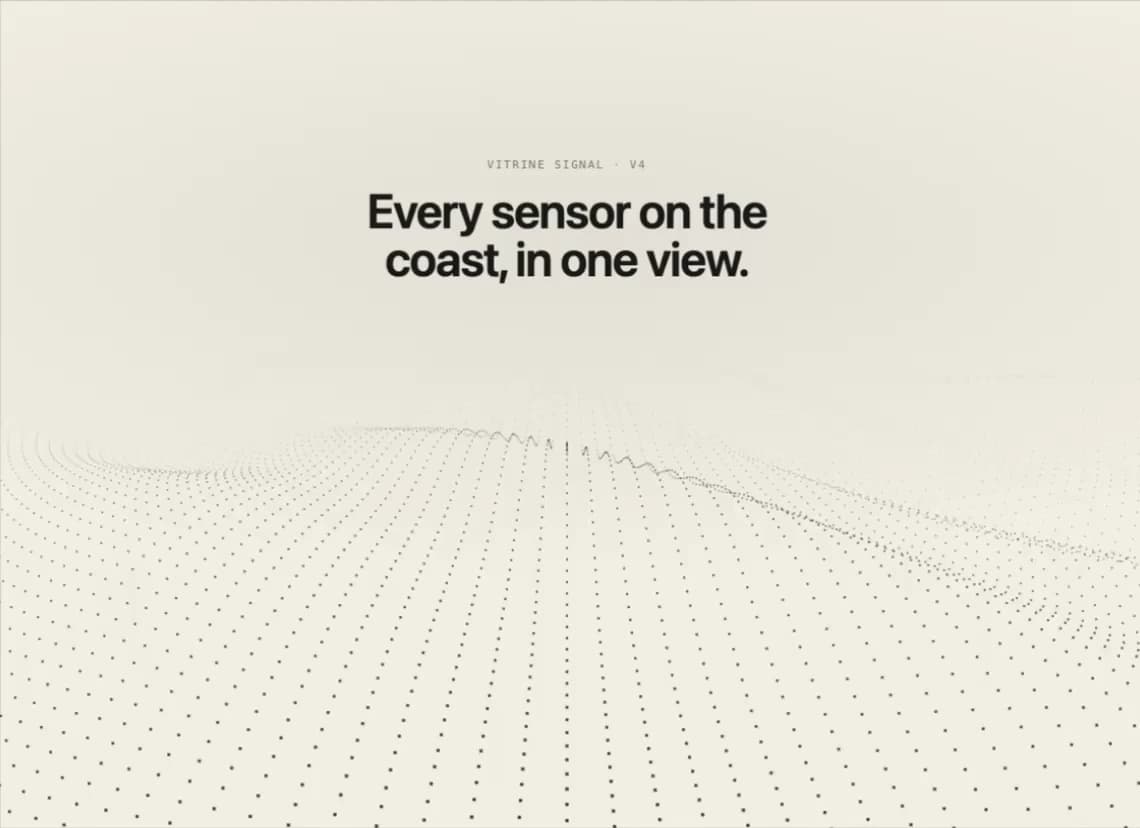
  paper: { c: ["#f3efe6", "#1b1a17", "#2f5fd0"], crests: false, light: true },
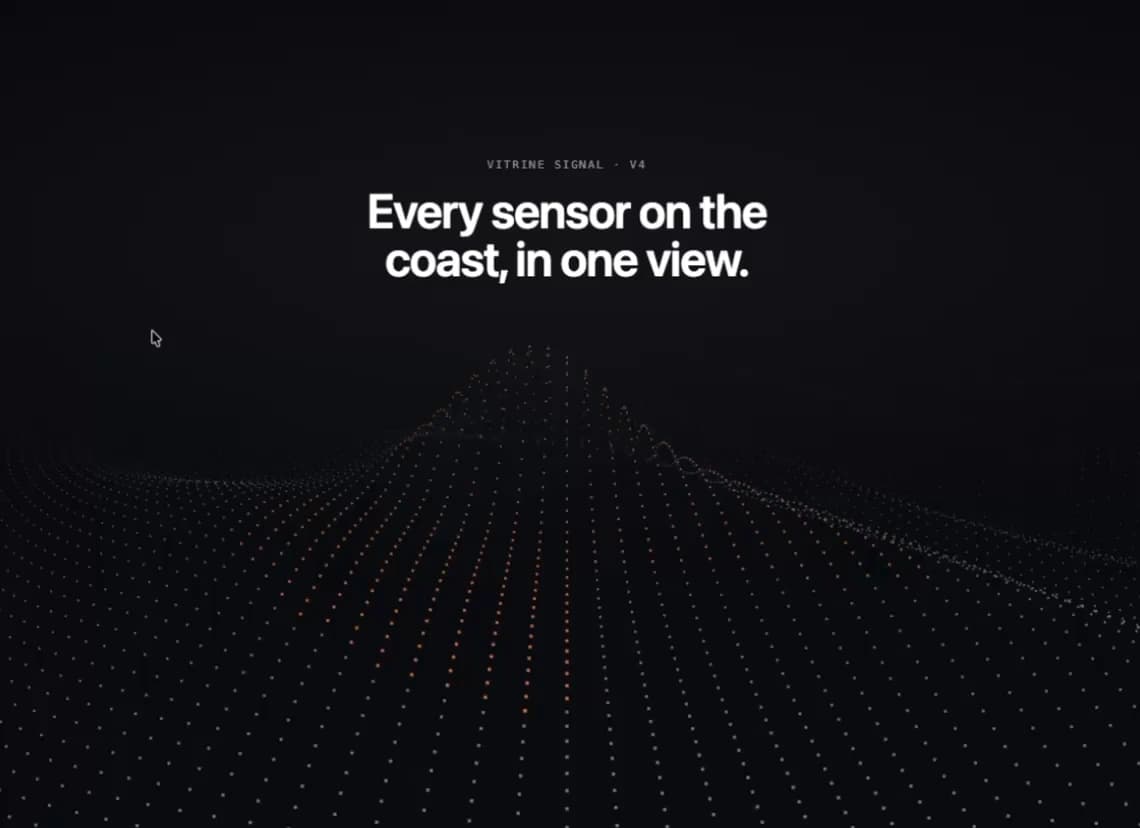
  signal: { c: ["#07080c", "#8f97a8", "#ff8a4c"], crests: true, light: false },
};

export default function Demo({ variant = "night" }: { variant?: string }) {
  const t = THEMES[variant] ?? THEMES.night;
  return (
    <div className="w-full h-screen">
      <WaveMesh
        colors={t.c}
        crests={t.crests}
        className="h-full min-h-full w-full"
      >
        <div className="pointer-events-none flex h-full flex-col items-center px-6 pt-[14%] text-center">
          <p
            className={`font-mono text-[11px] uppercase tracking-[0.16em] ${t.light ? "text-black/45" : "text-white/50"}`}
          >
            Vitrine Signal · v4
          </p>
          <p
            className={`mt-3 max-w-lg text-3xl font-semibold tracking-tight sm:text-5xl ${t.light ? "text-[#1b1a17]" : "text-white"}`}
          >
            Every sensor on the coast, in one view.
          </p>
        </div>
      </WaveMesh>
    </div>
  );
}